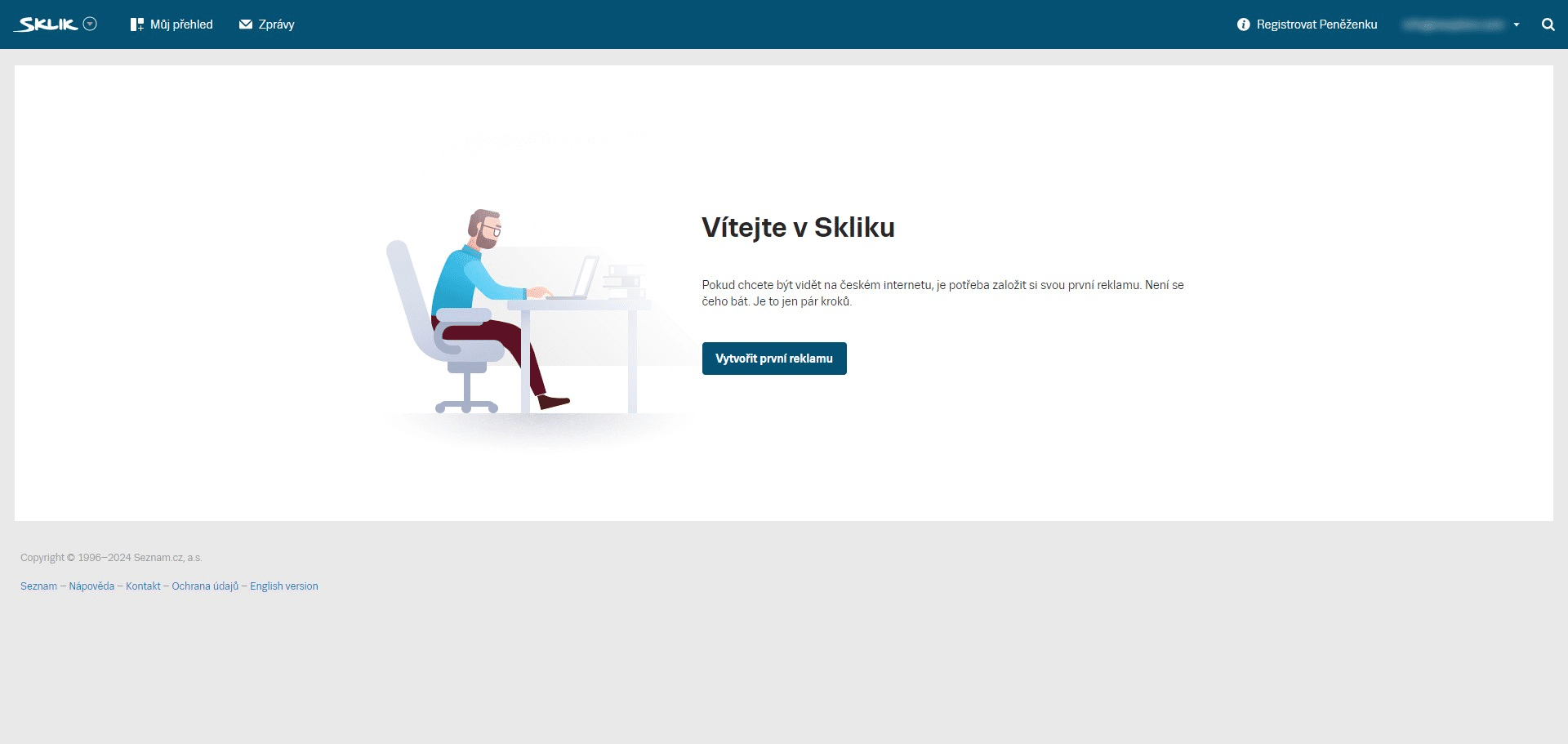
Sklik - EN - Registration
Step-by-step guide on how to create Sklik.cz account
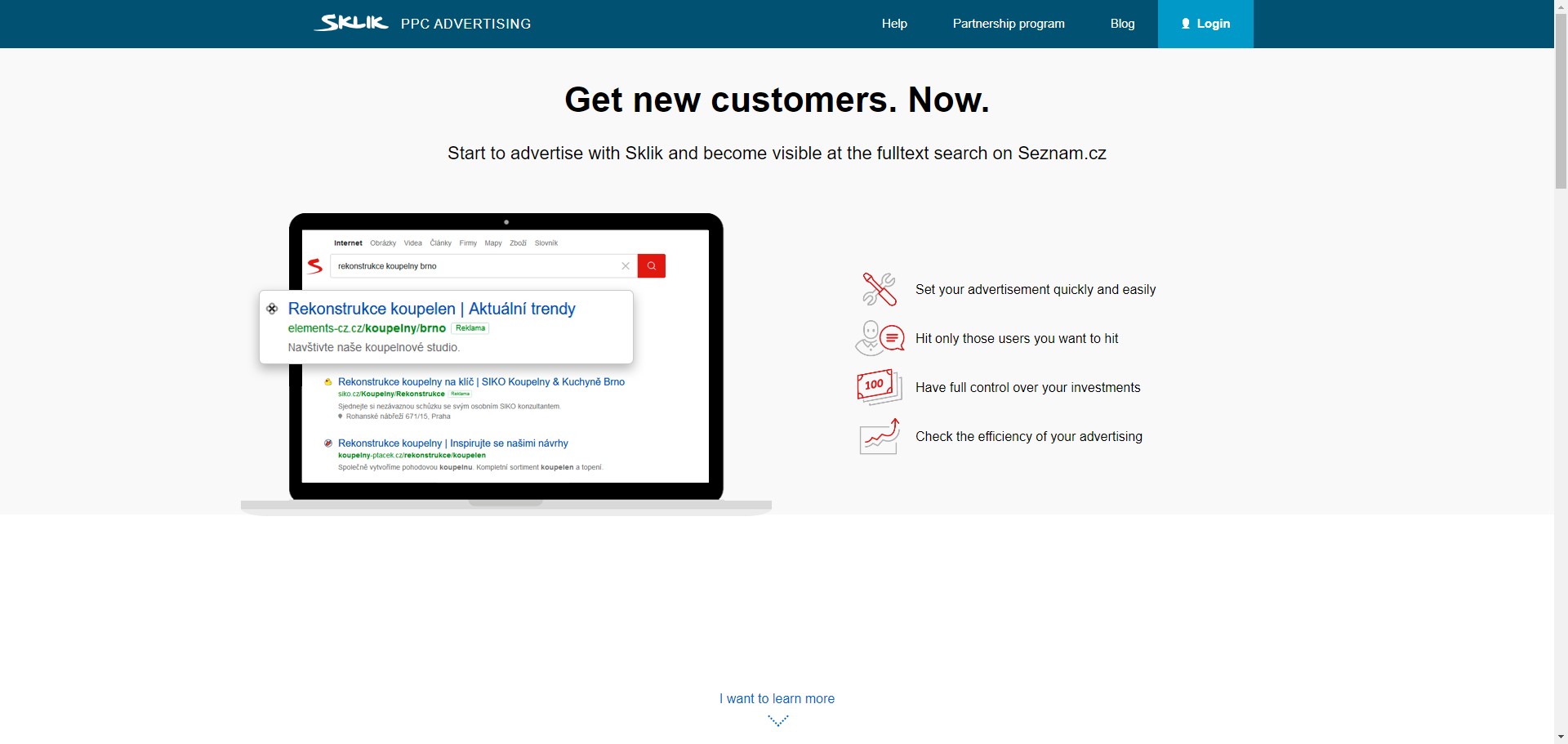
Navigate to https://www.sklik.cz/en
Click on "Login"
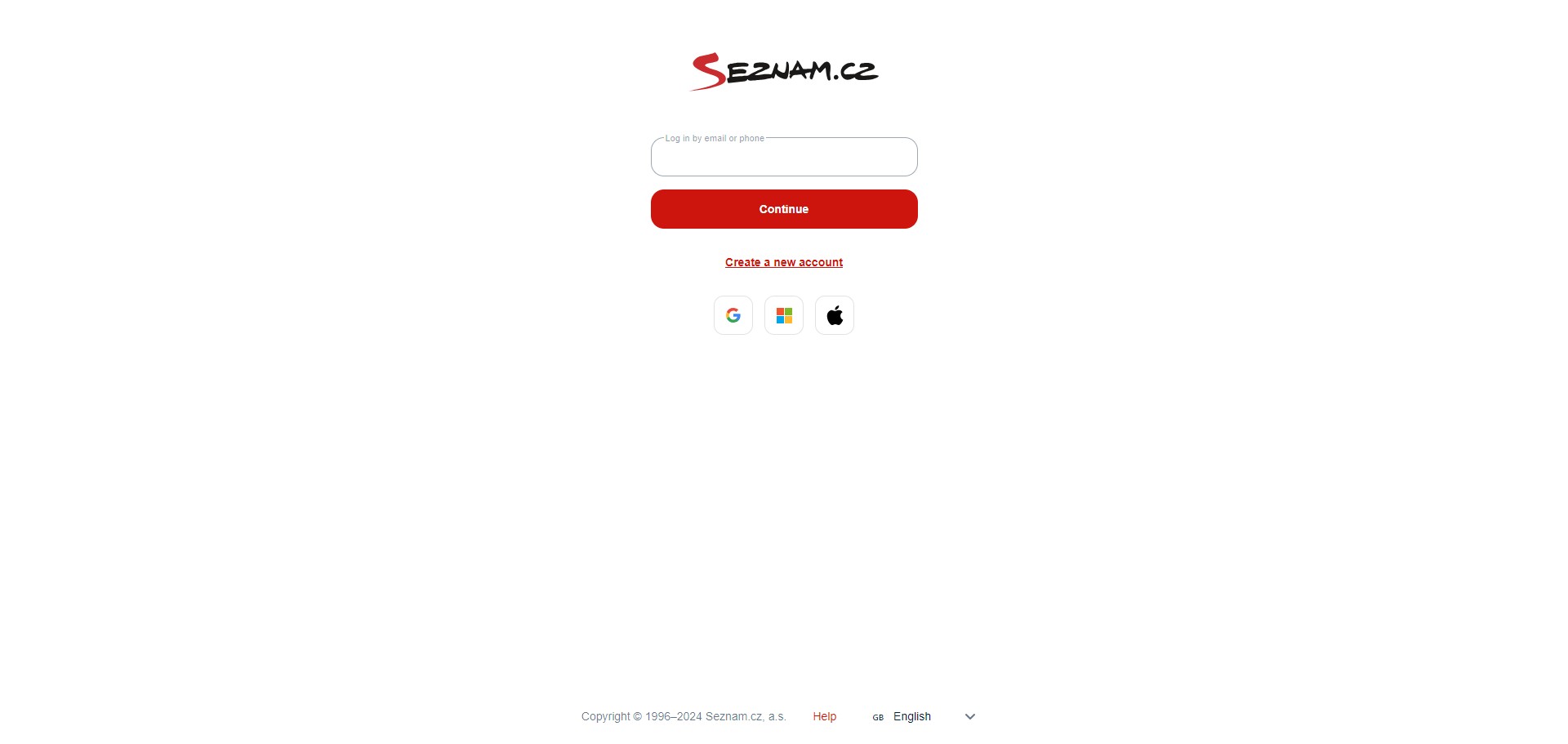
Click on "Create a new account" or Log in with your existing account
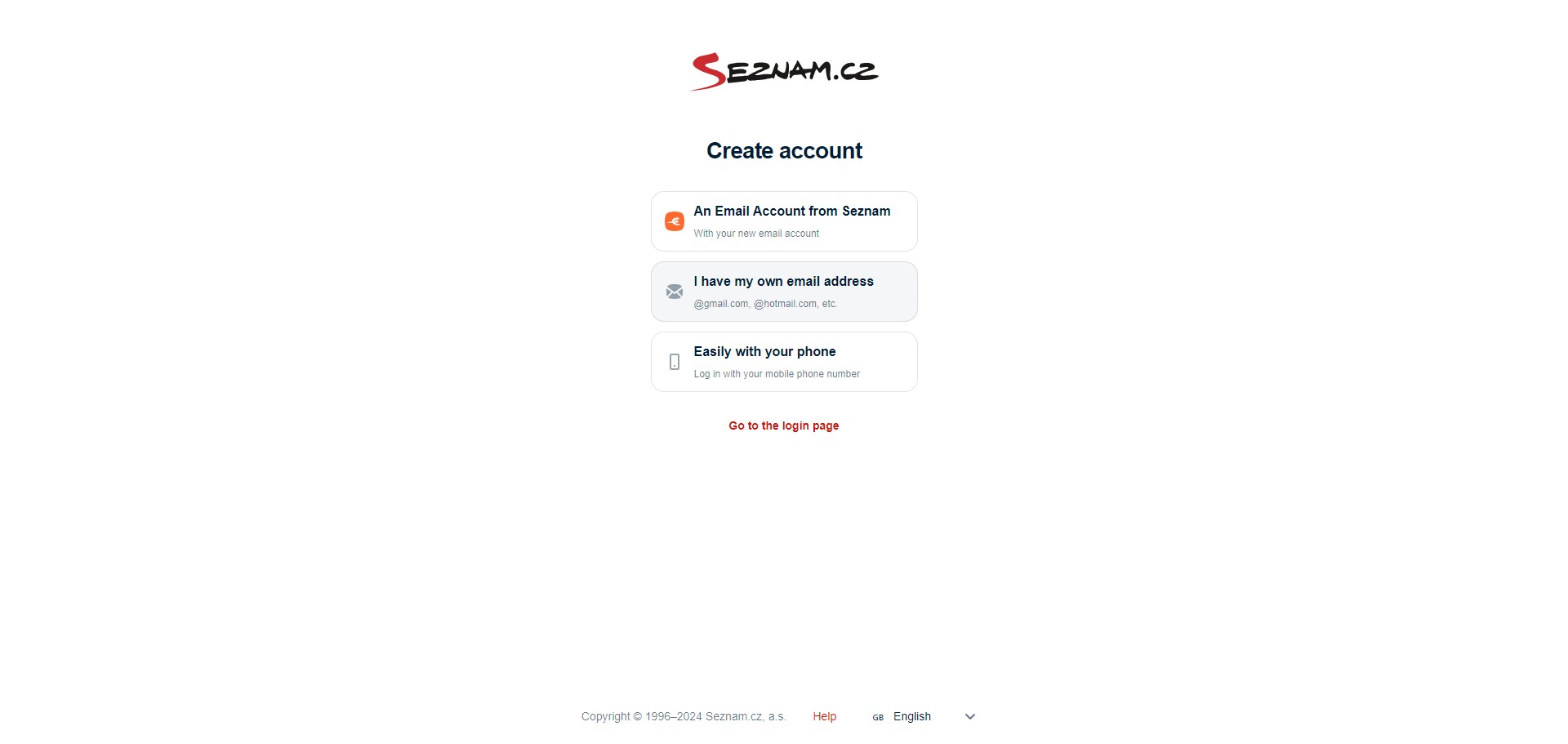
Choose your prefered method of regisration. We can use our custom/business email address by clicking "I have my own email address"
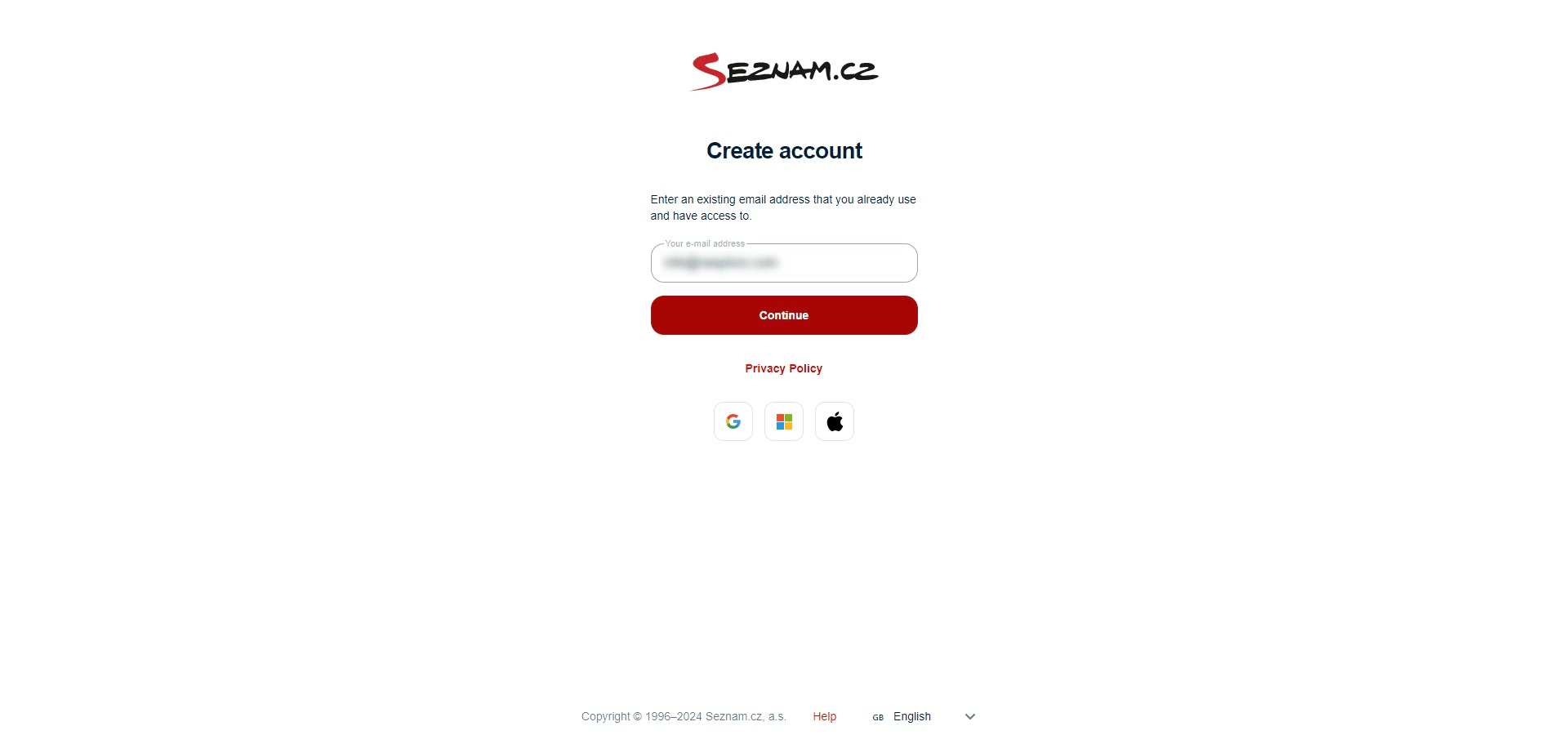
Enter your email address and click "Continue"
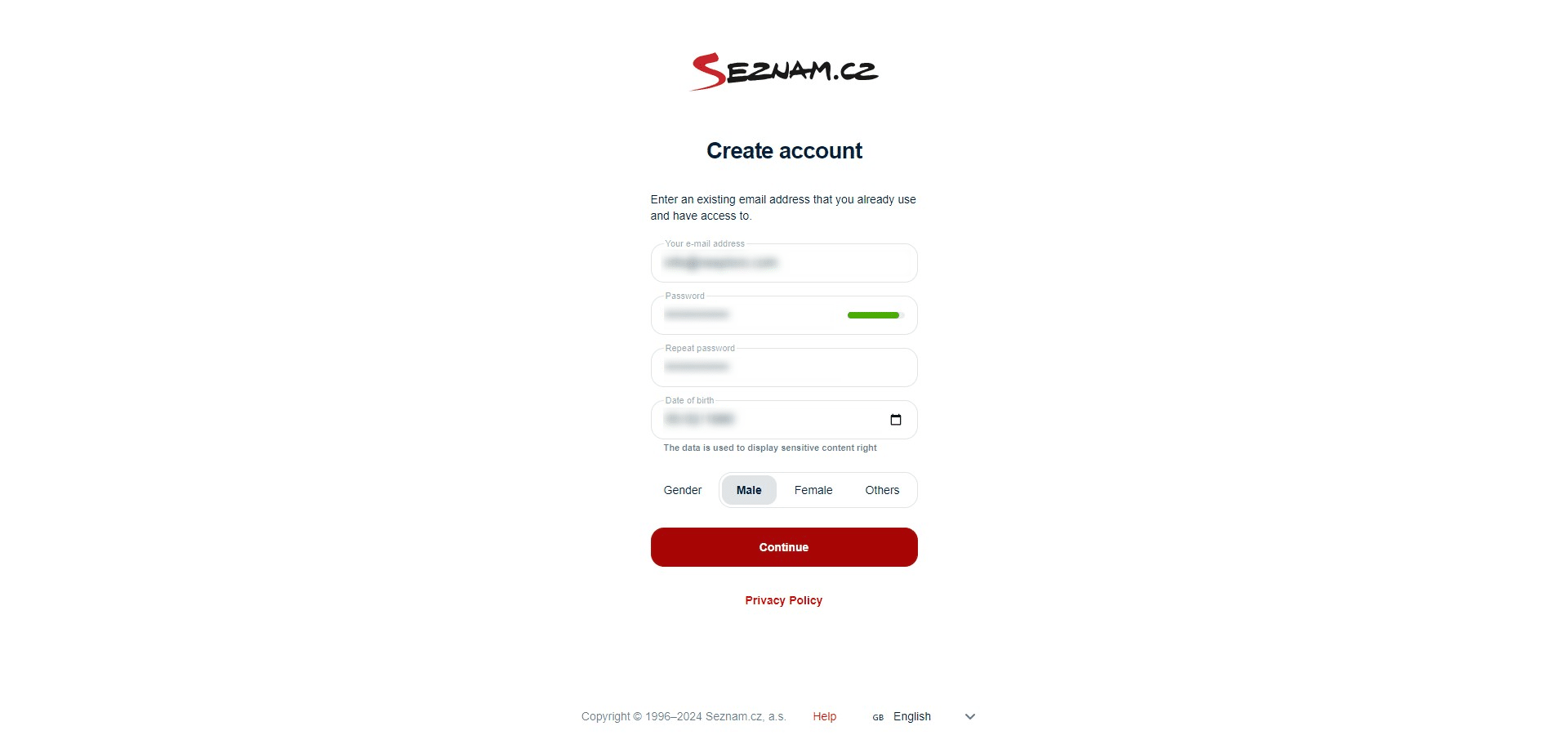
Fill out your details and click on "Continue"
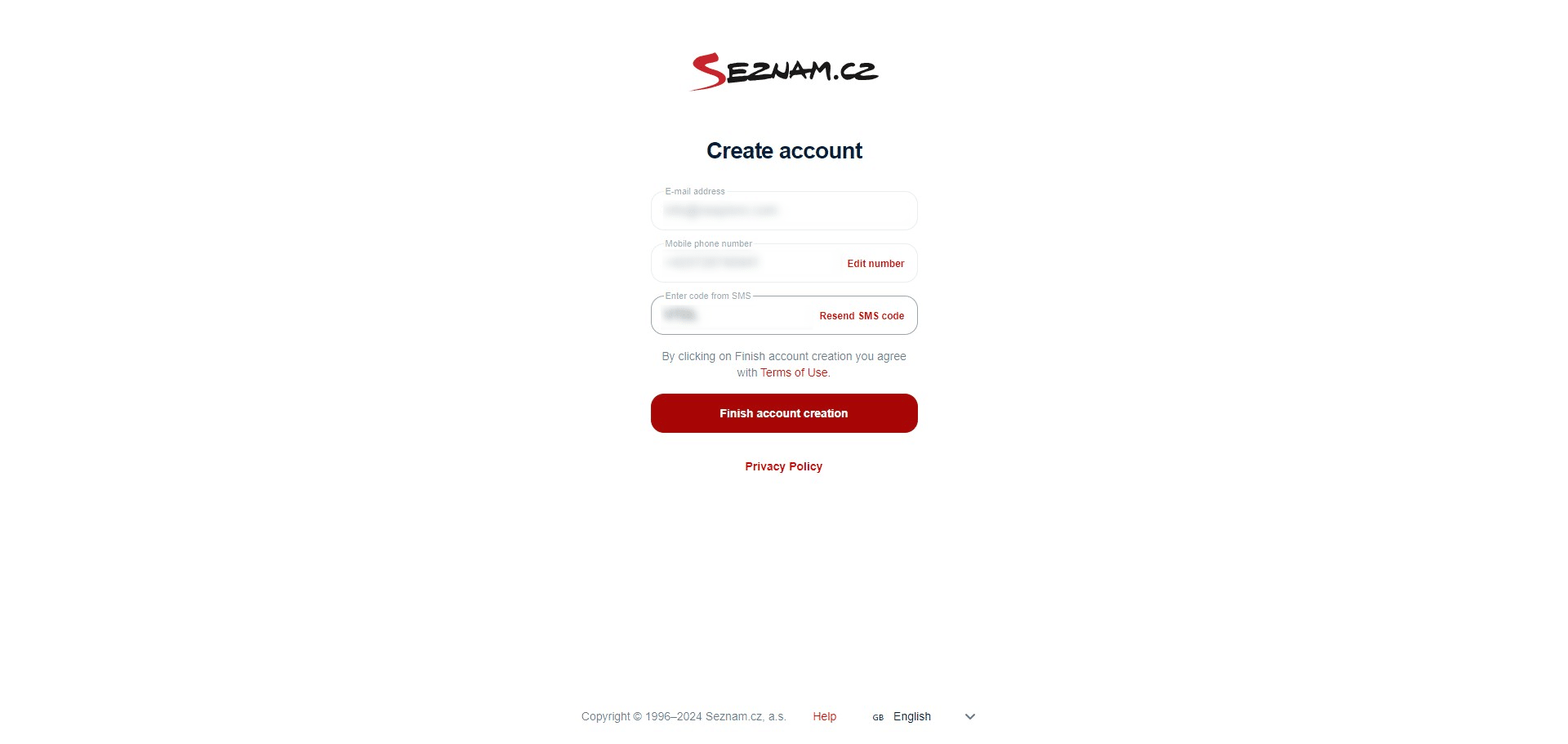
Enter your phone number followed by the verification SMS code and confirm by clicking "Finish account creation"
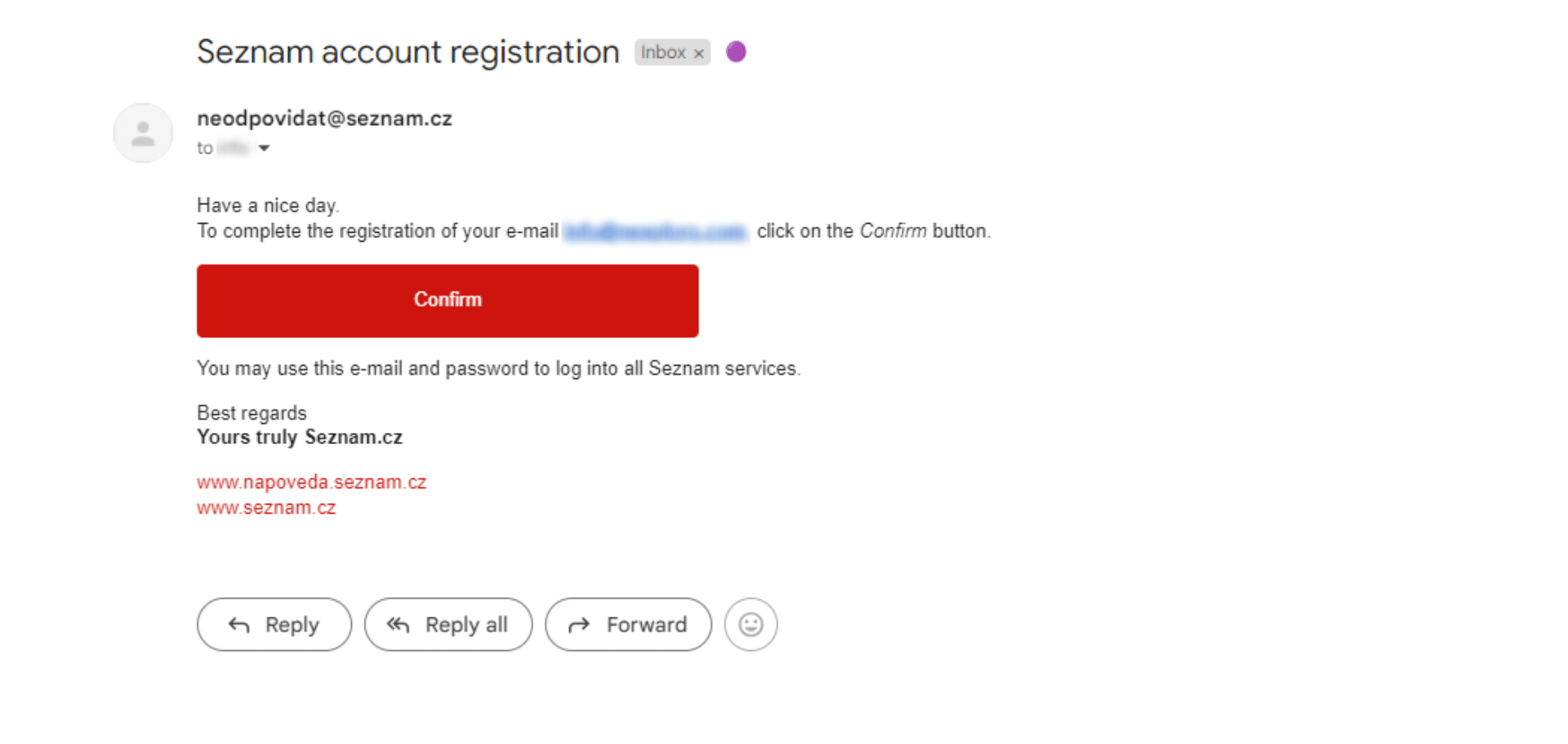
To verify your email address, log in to your email and click on "Confirm"
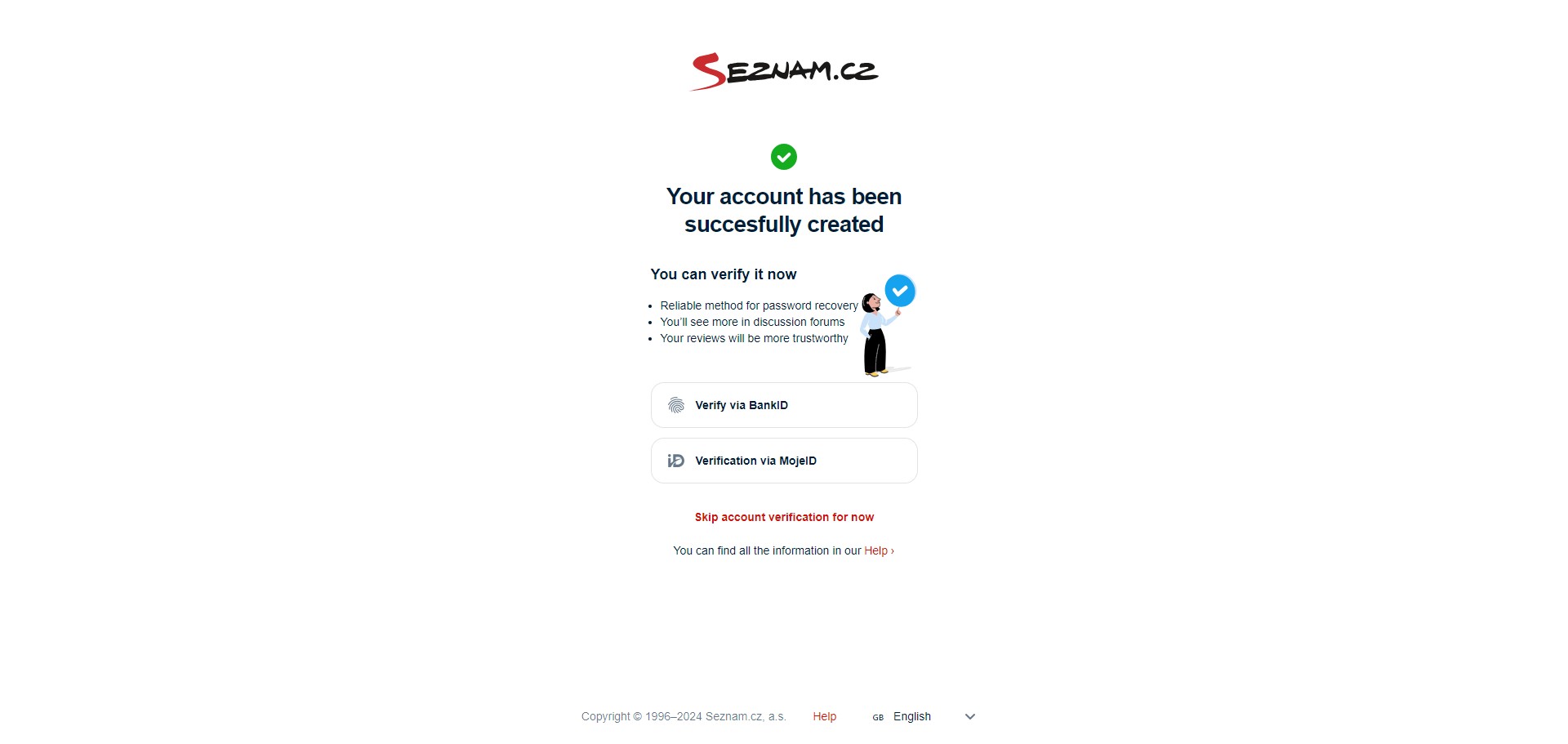
After succesfully creating your account, you can either futher verify it or skip for now by clicking "Skip account verification for now"
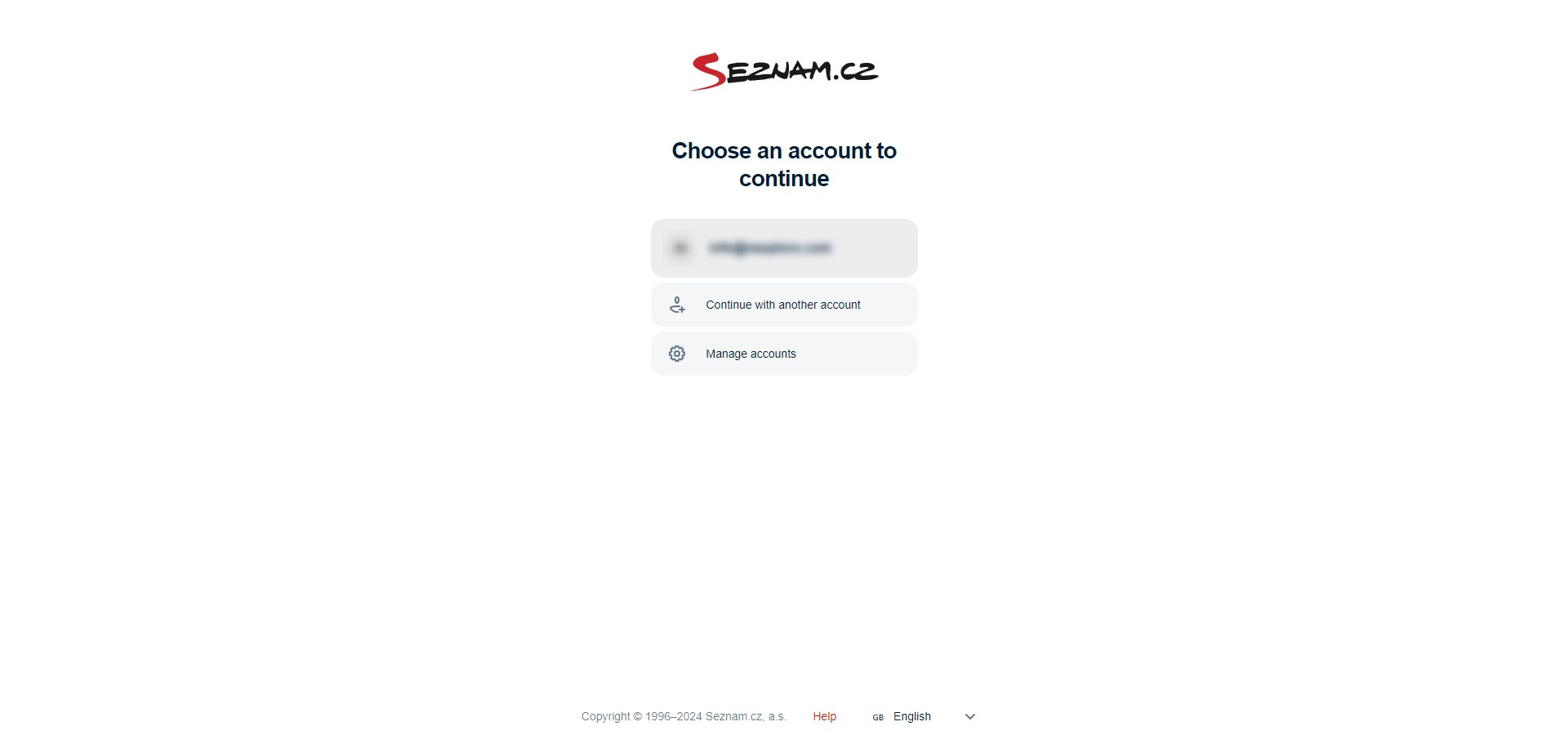
Log in by clicking on your email address
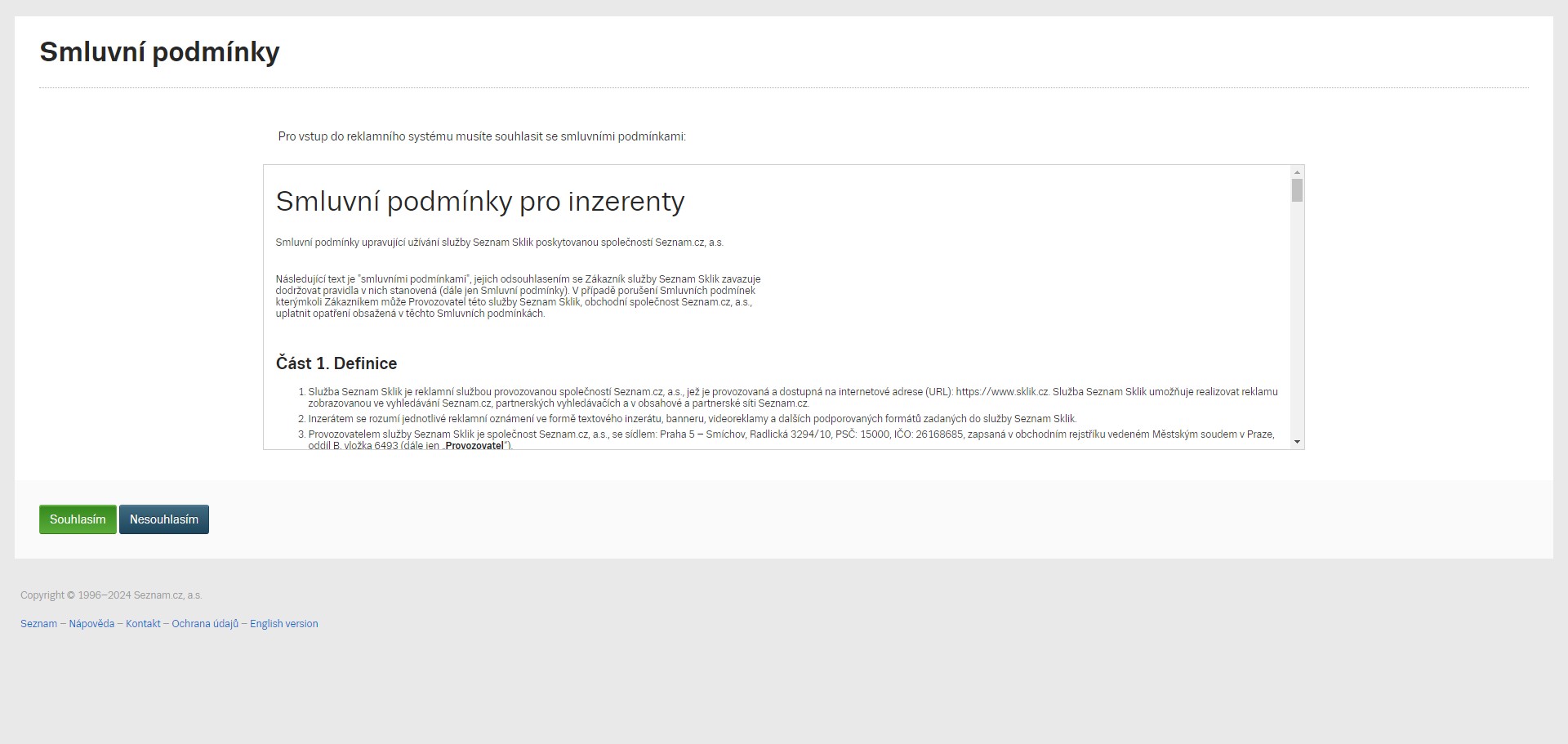
Confirm the Terms and conditions by clicking "Souhlasím"
You've successfully created your Sklik account! ✅