Sklik - EN - Add Payment Details
Adding payment details and credit top-up in Sklik
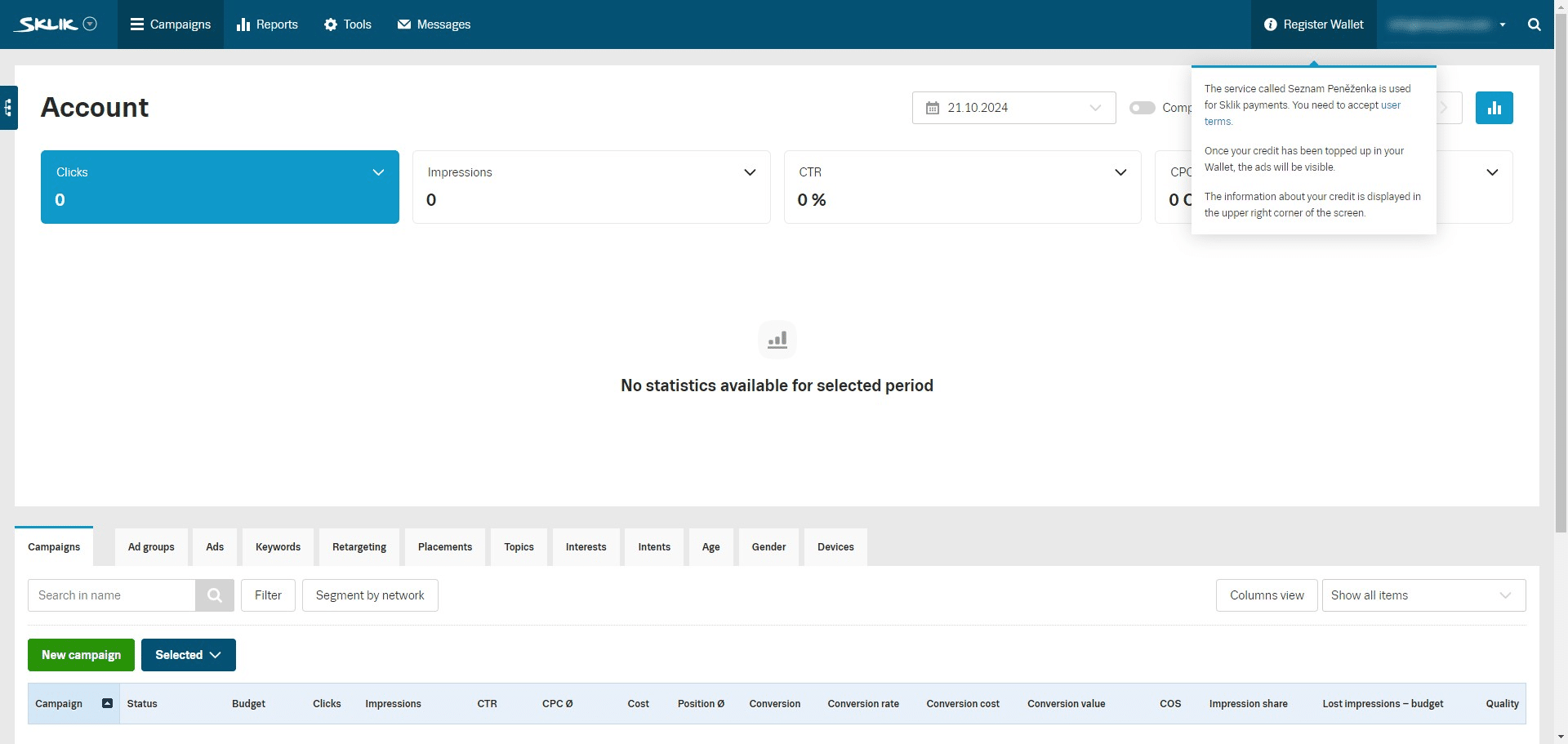
Navigate to https://www.sklik.cz/campaigns
Click on "Register Wallet"
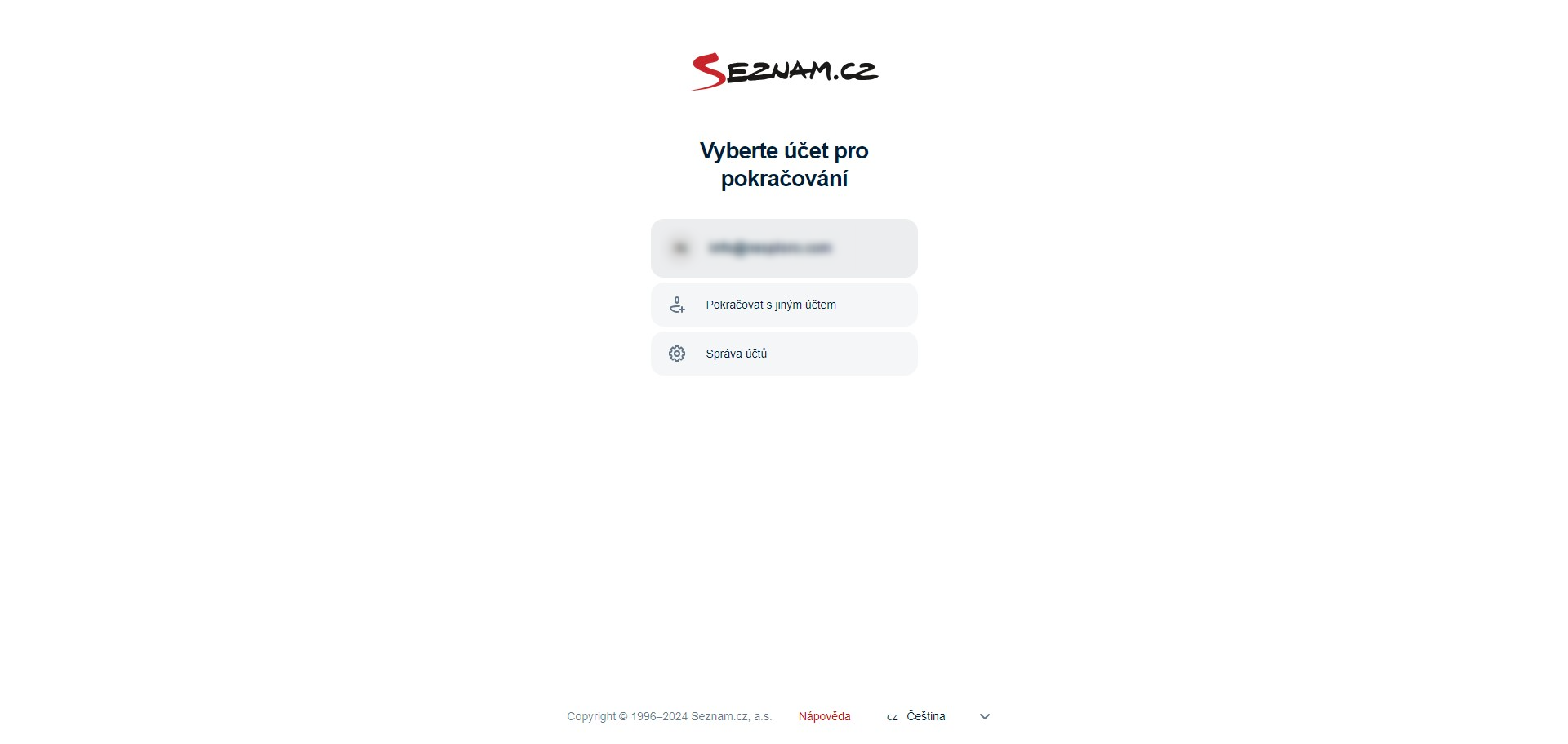
Log in with your existing account
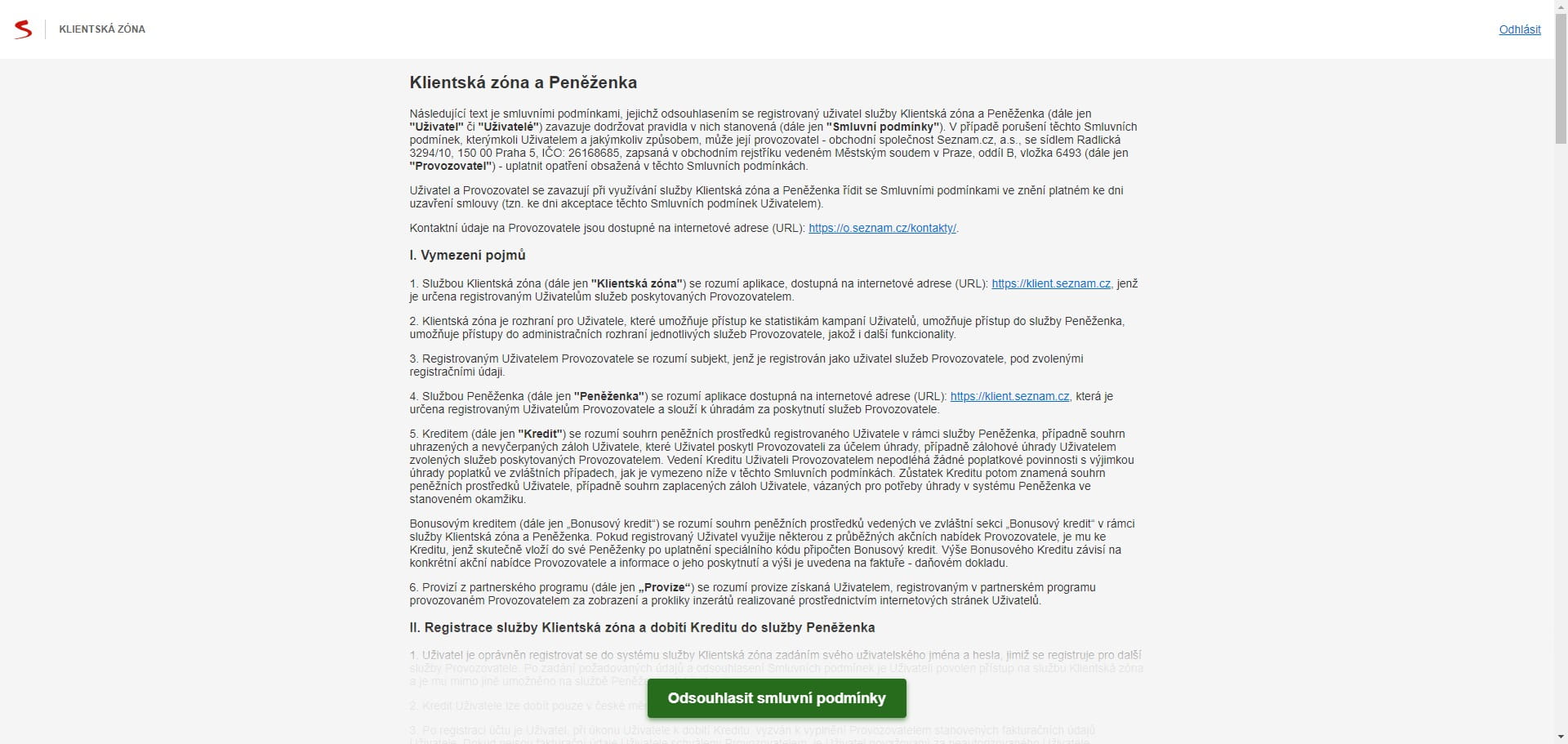
Confirm the terms and conditions by clicking "Odsouhlasit smluvní podmínky"
Click on "English"
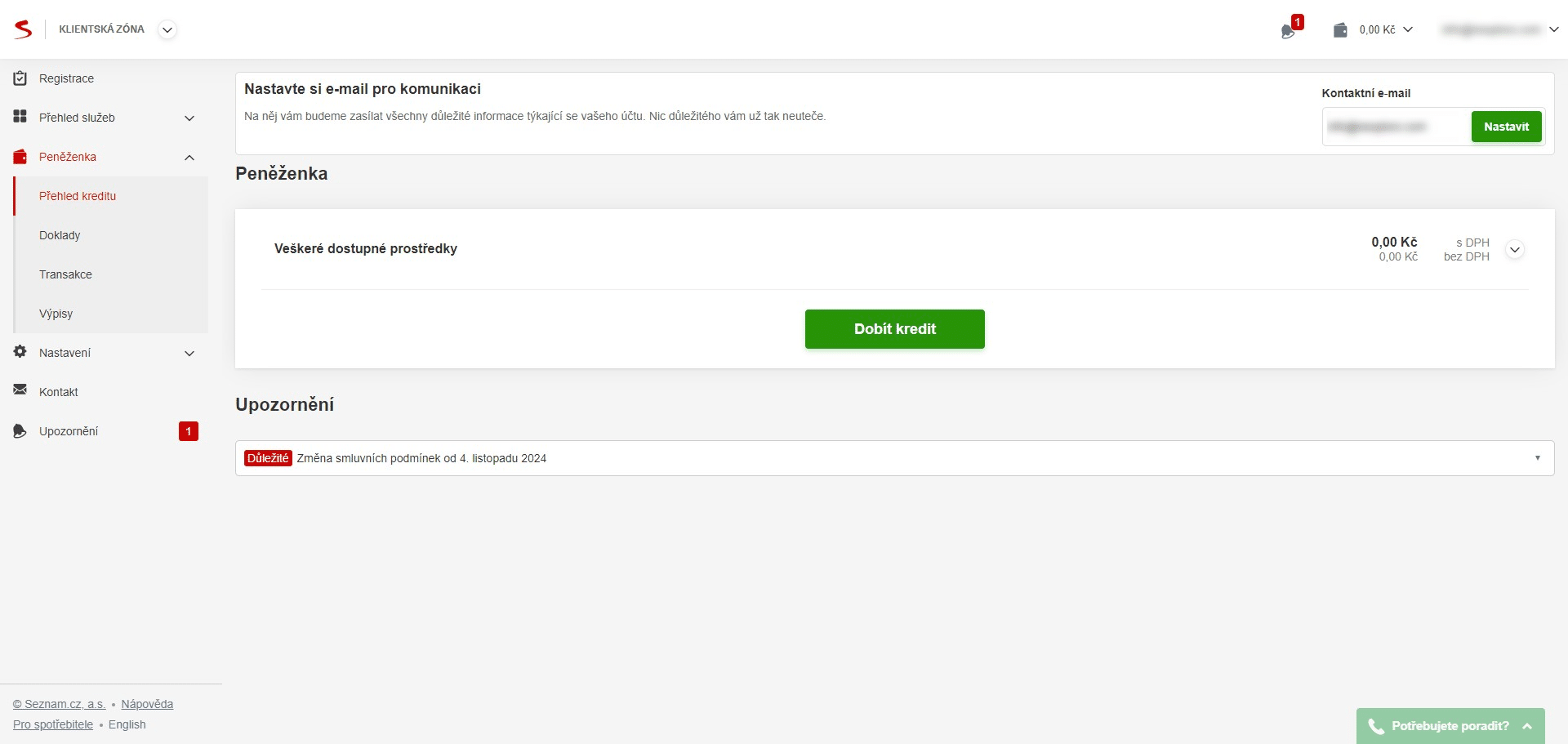
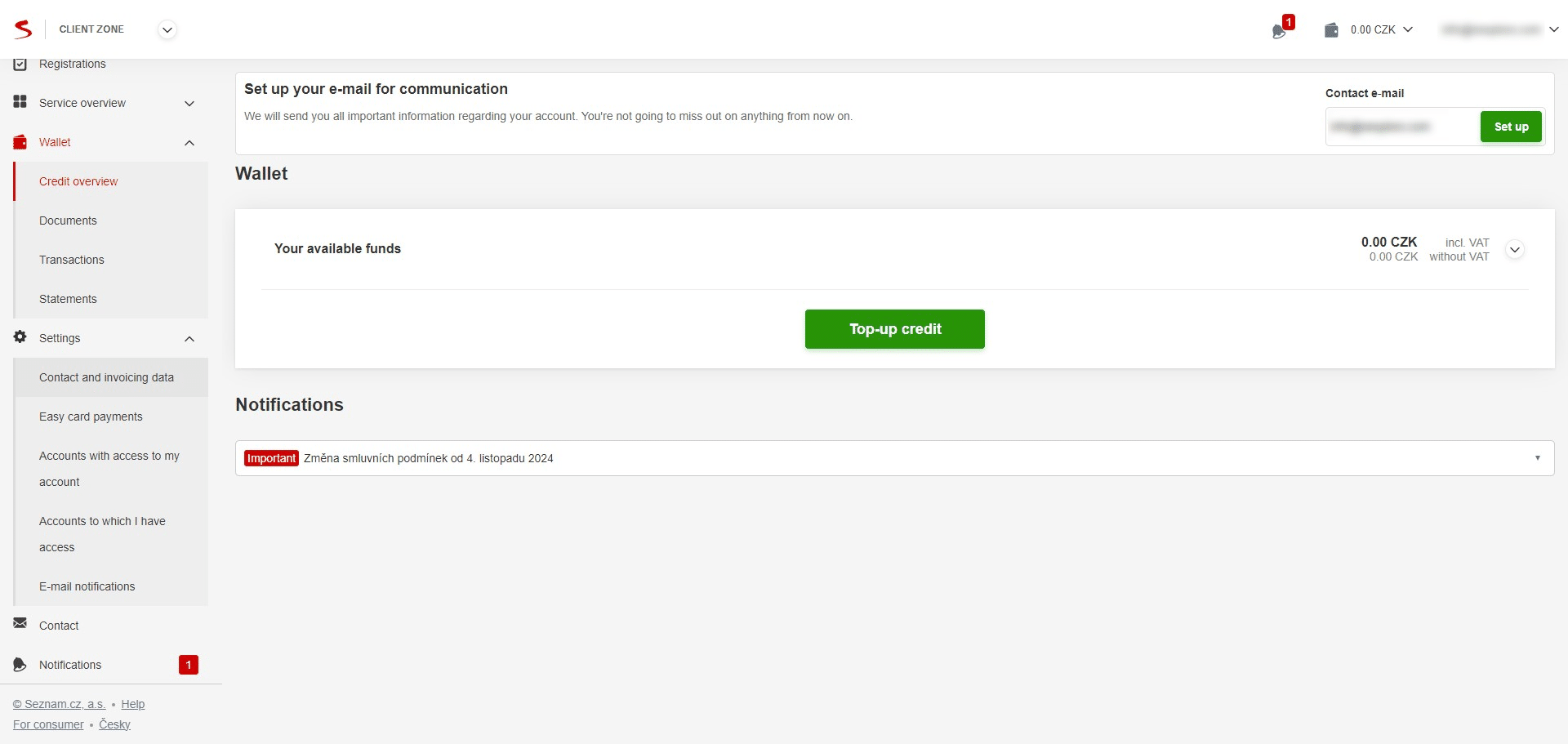
Under "Settings" click on "Contact and invoicing data"
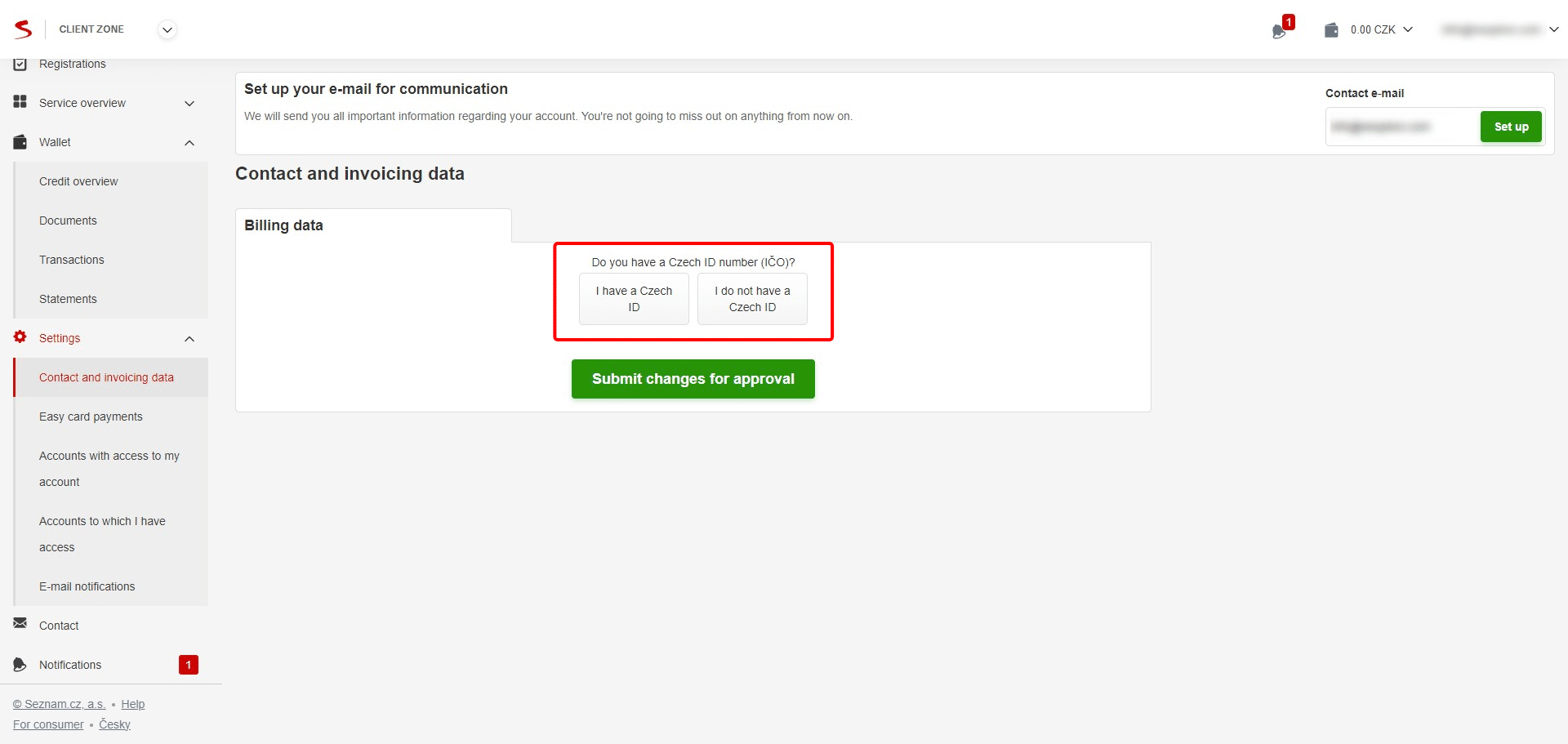
Fill out your Contact and invoicing data accordingly and "Submit changes for approval"
Under "Wallet" go to "Credit overview" and click on "Top-up credit"
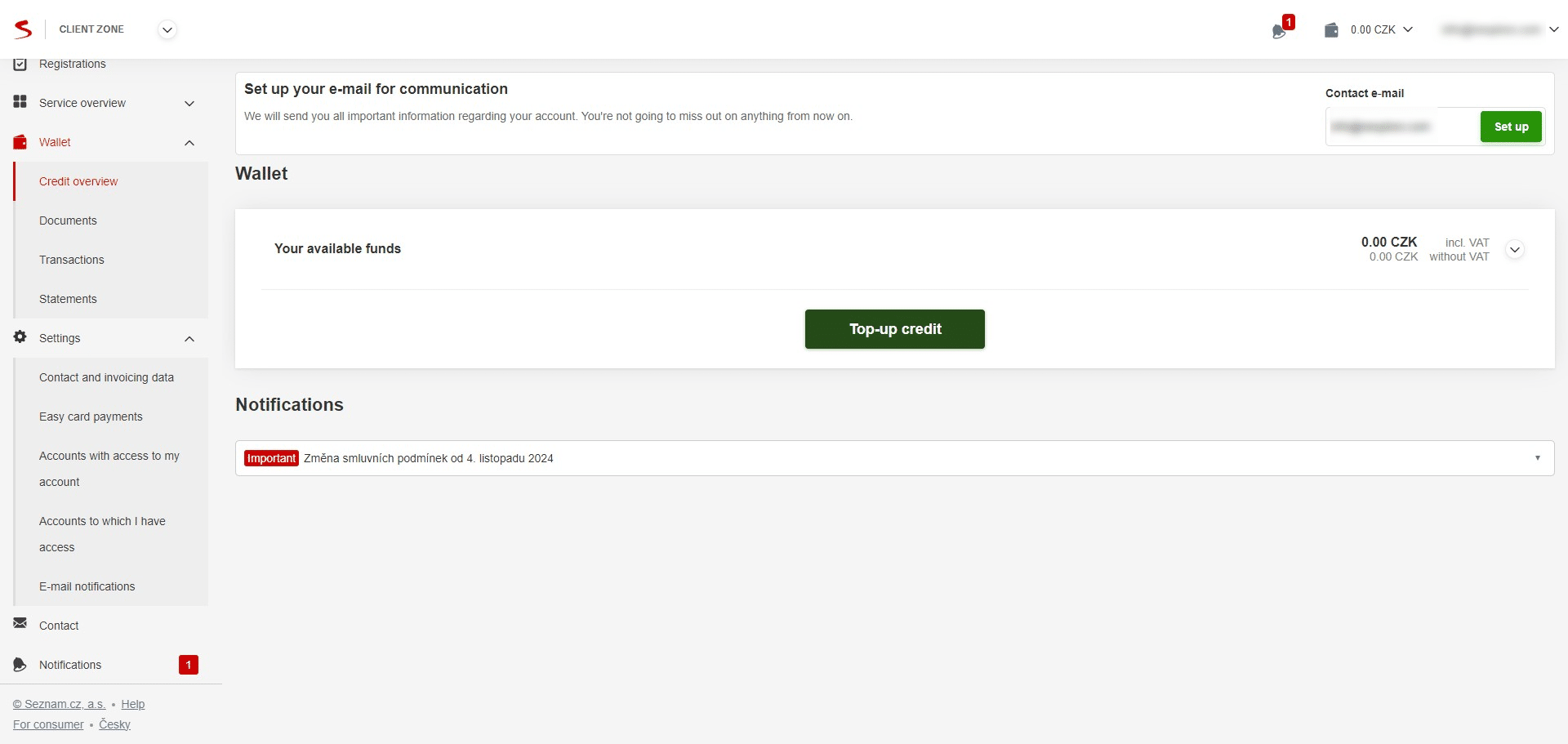
Note that the final advertising credit will be reduced of VAT (21%)
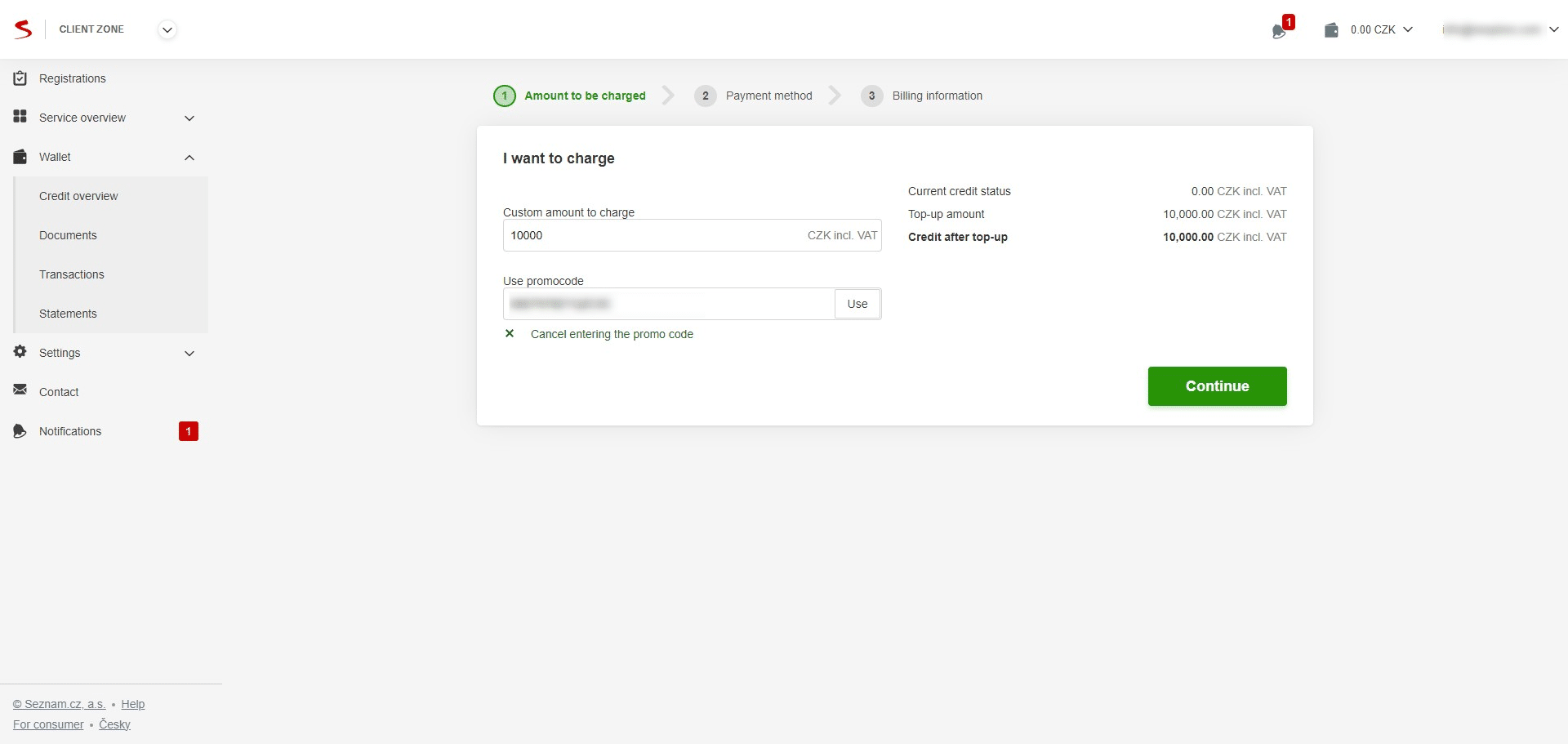
Enter the top-up amount (incl. VAT), promocode, and click "Continue"
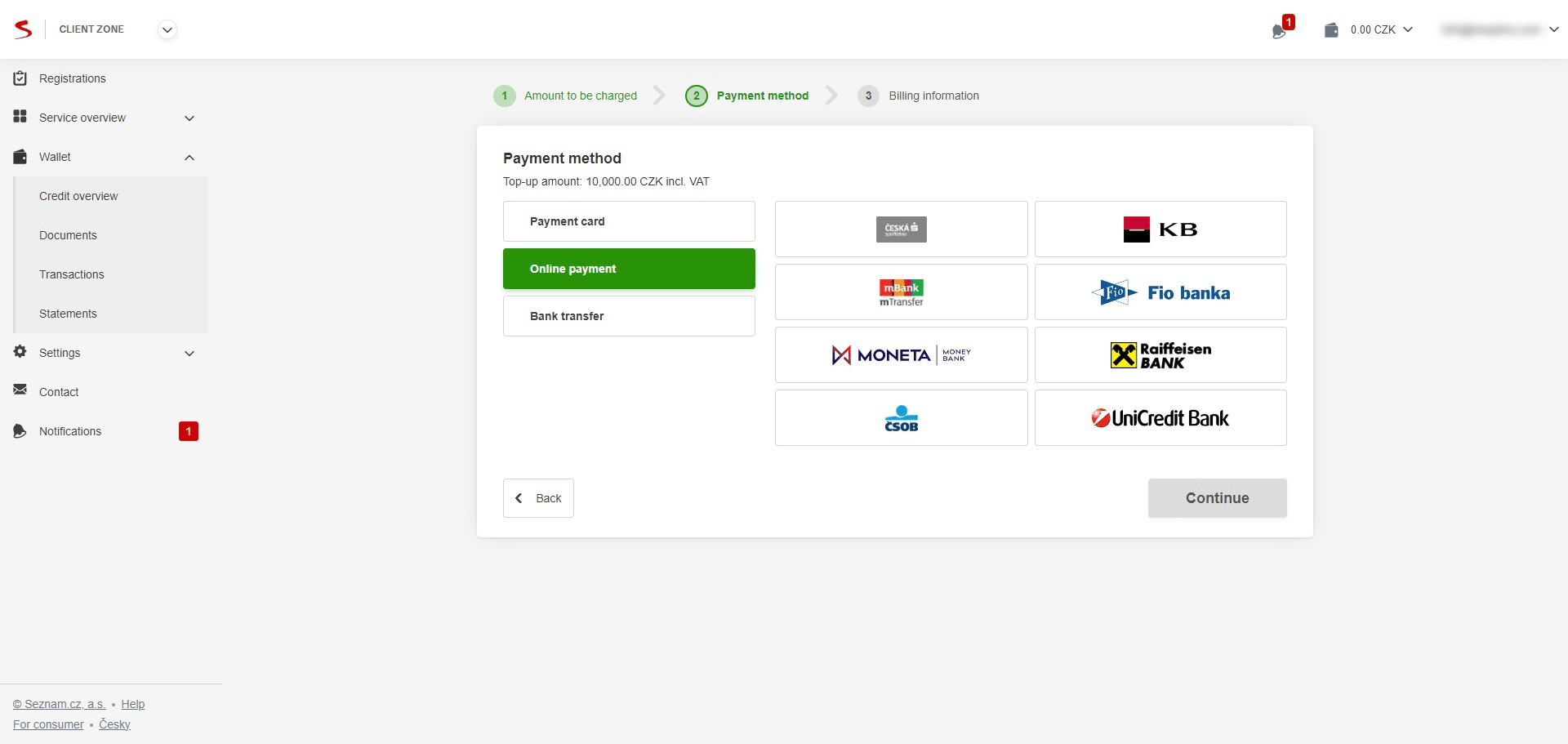
Select your preferred payment method and click "Continue"
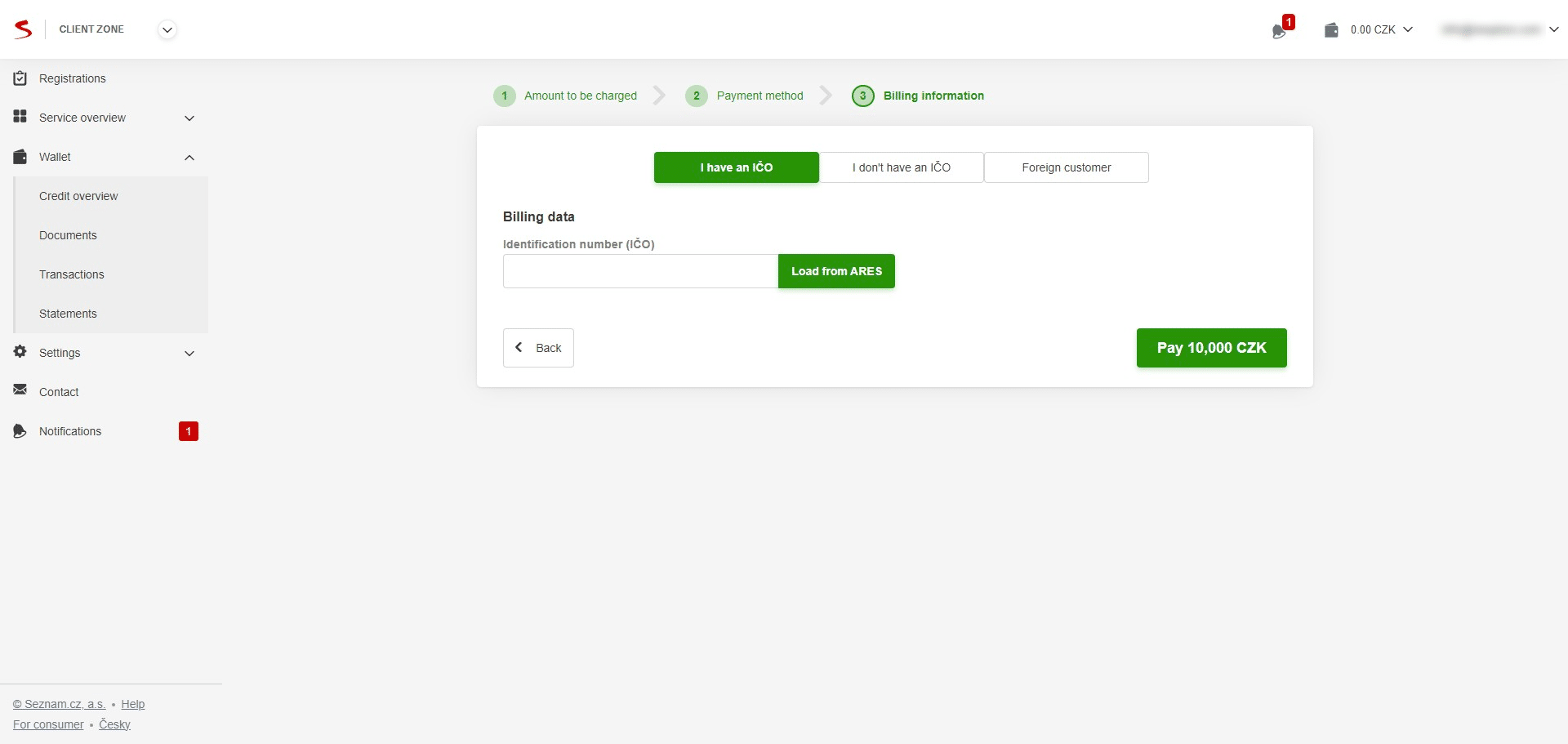
Finalize the required information if not previously filled in "Contact and invoicing data" and top-up the credit by clicking "Pay"