CookieHub - EN - Add payment method
How to add a payment method to CookieHub
Oct 20, 2024●
1
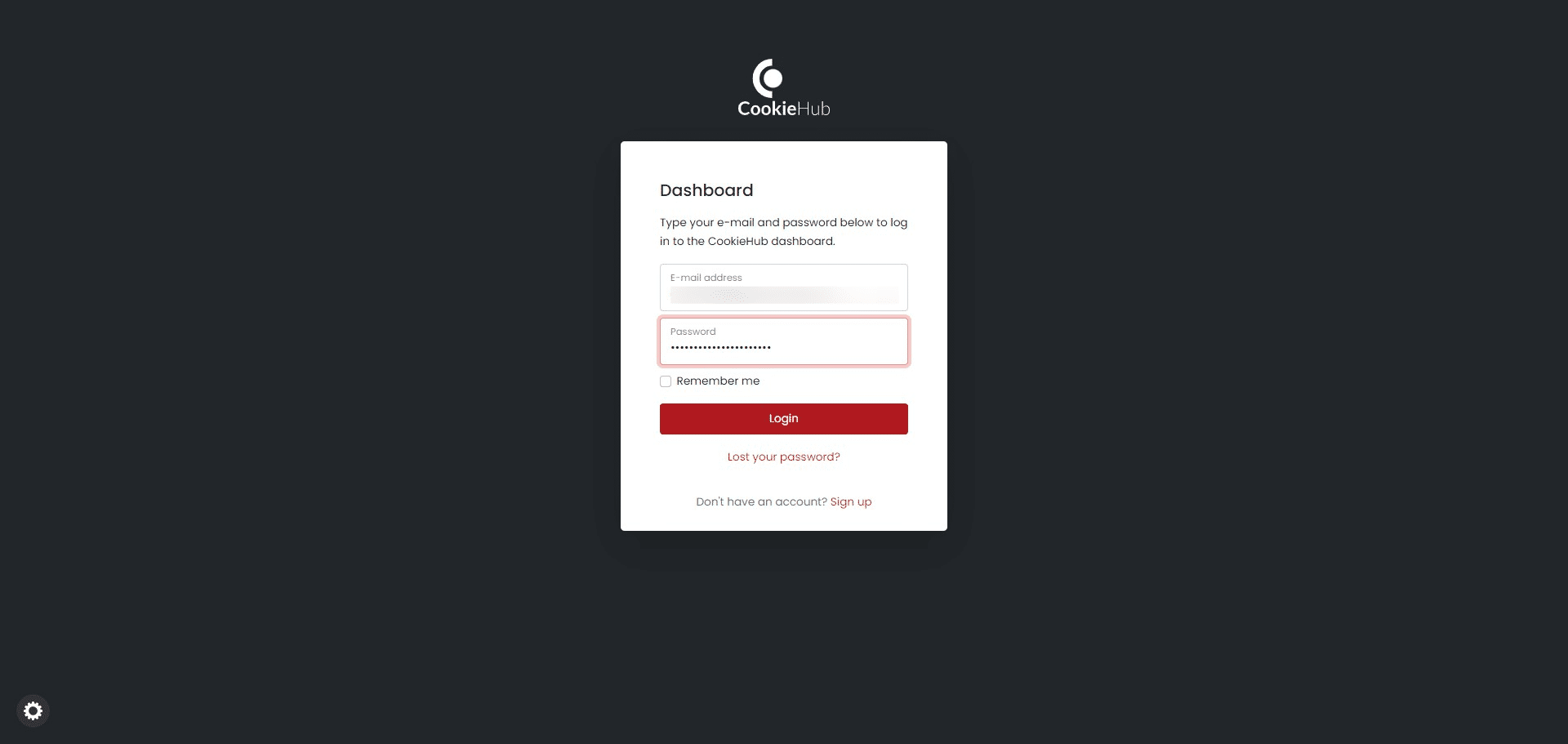
Navigate to https://dash.cookiehub.com/login
2
Fill out the provided e-mail and password and login by clicking the Login button
3
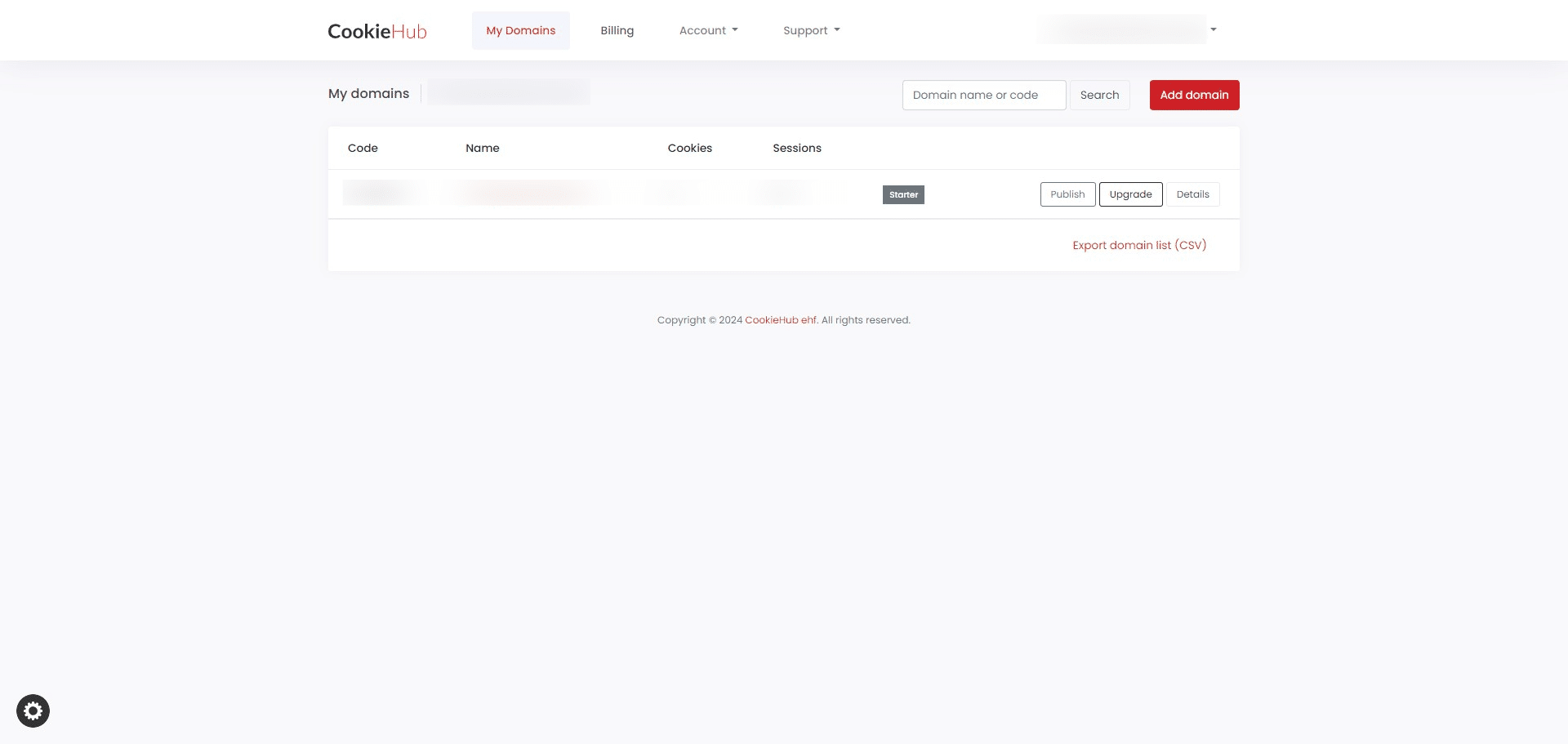
On the main dashboard screen, click on Billing
4
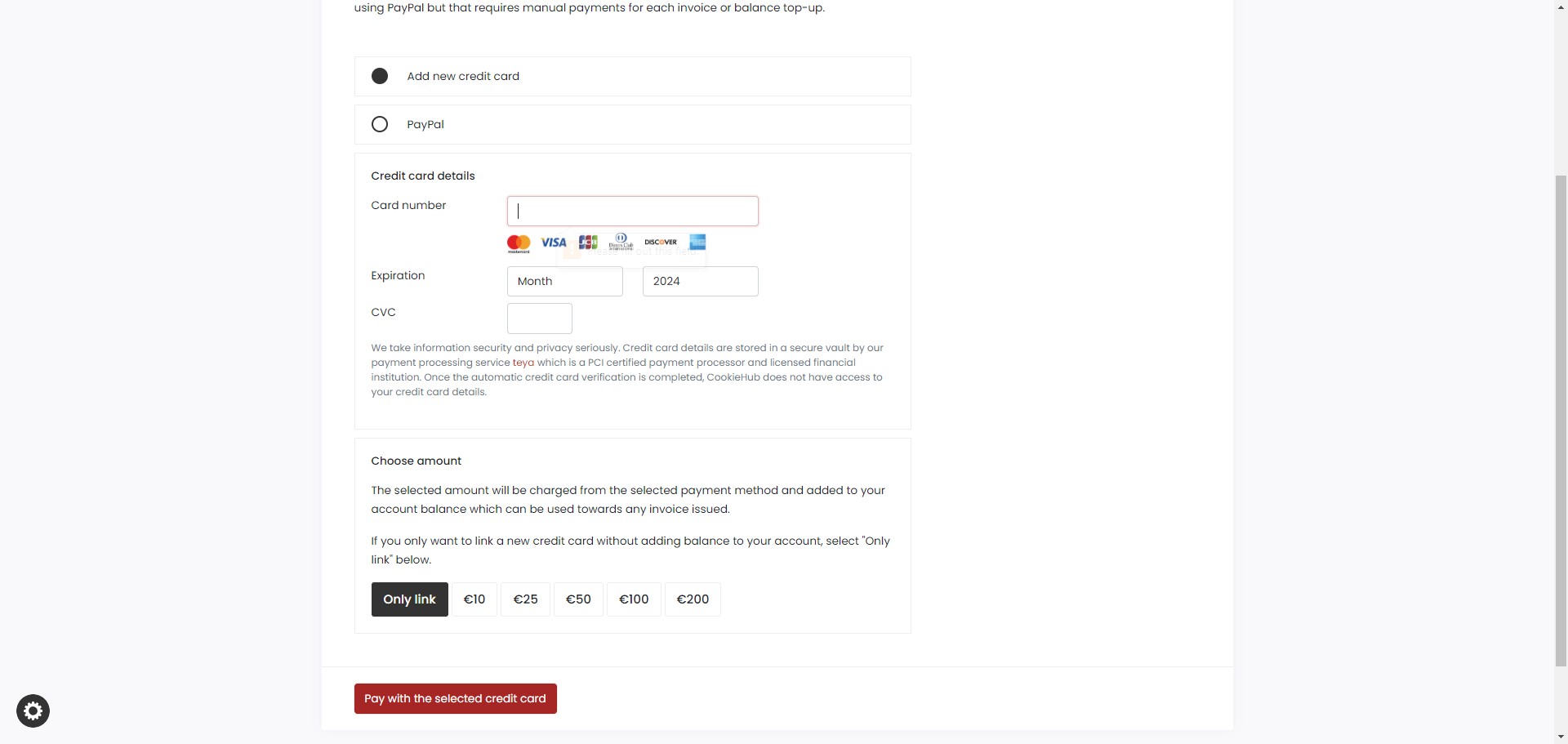
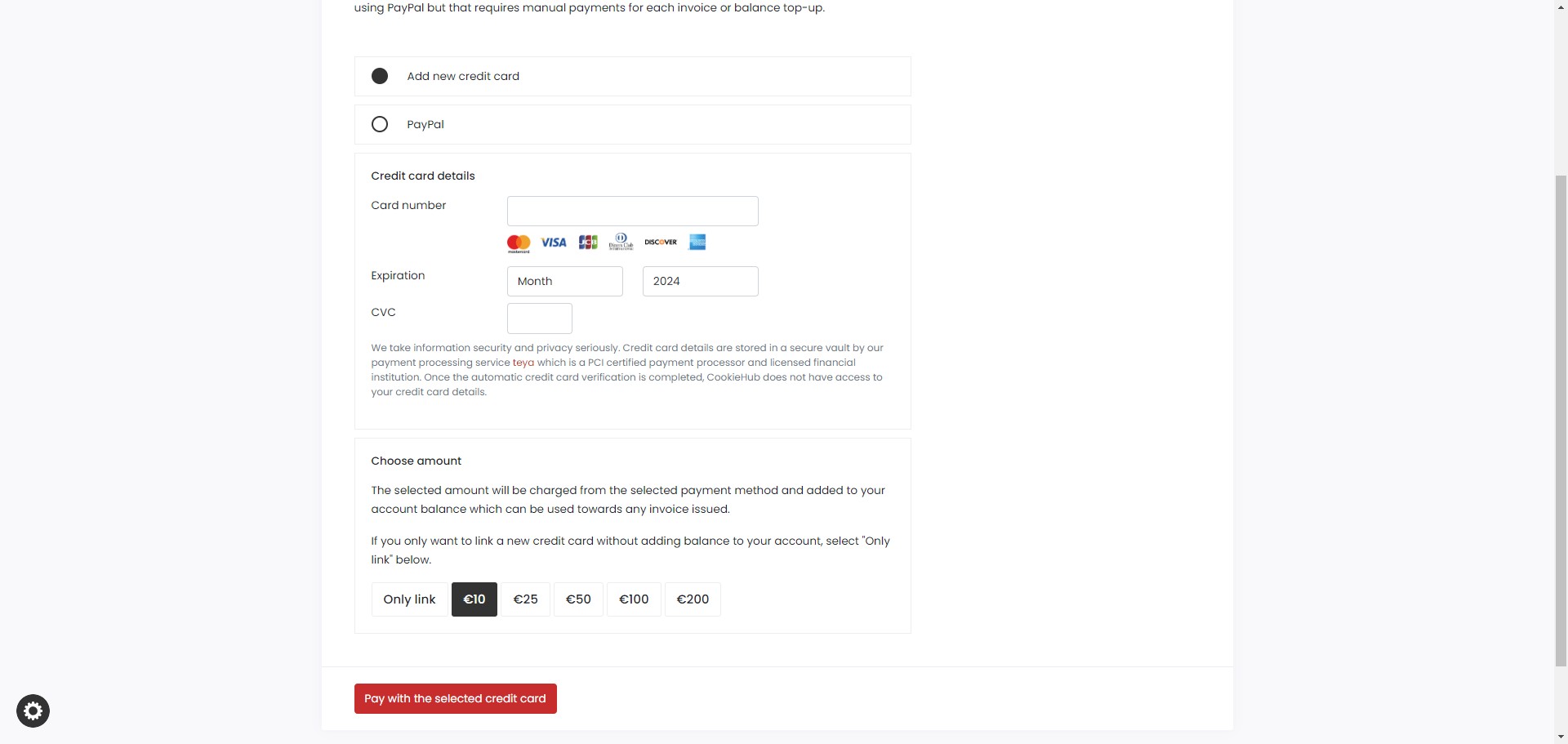
Fill in the credit card details
5
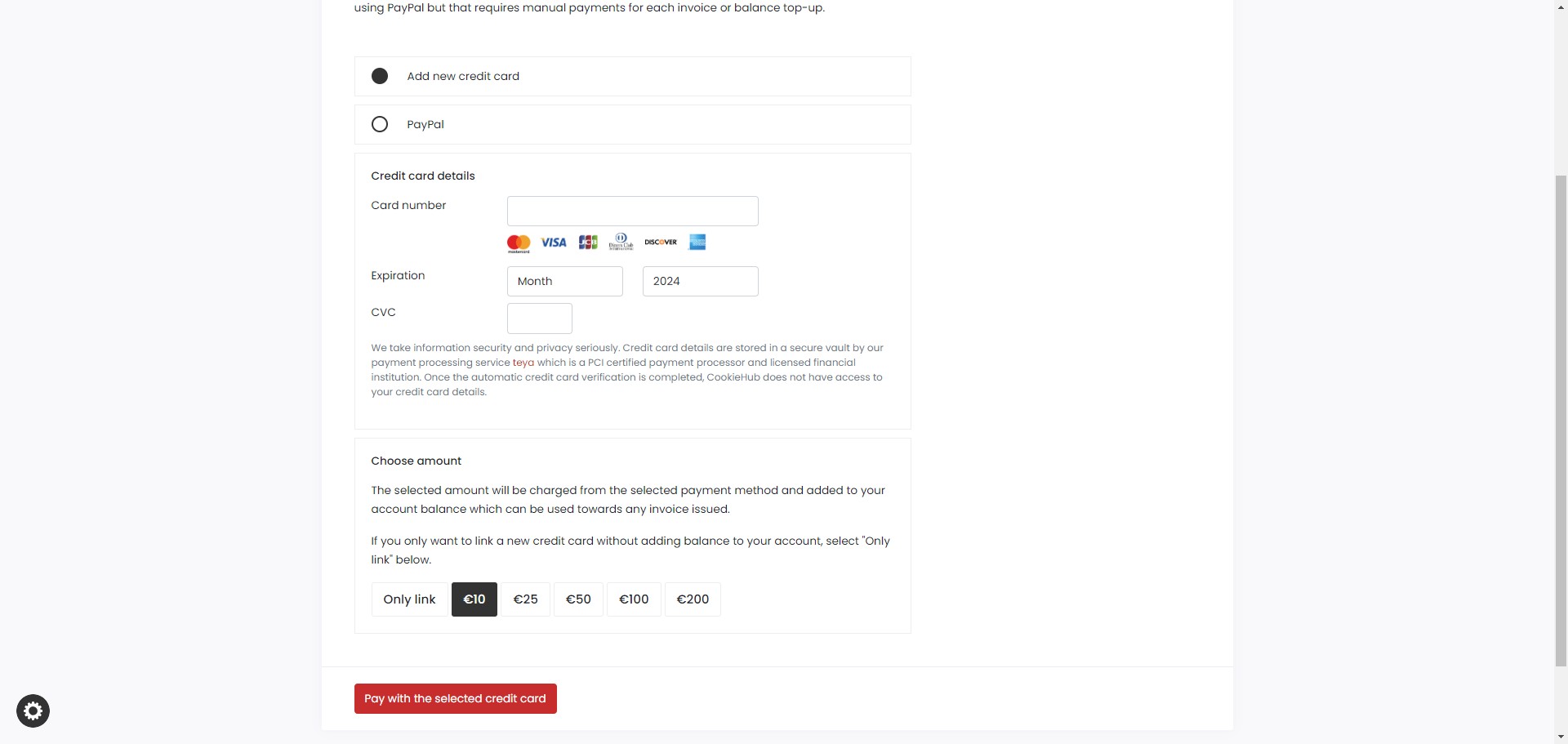
You can either choose top-up a credit or simply link the card by choosing the amount or selecting "Only link" (recommended with no outstanding balance)
6
Confirm by clicking "Pay with the selected credit card"